Managing Your Subscription & Account
Accessing Account Settings
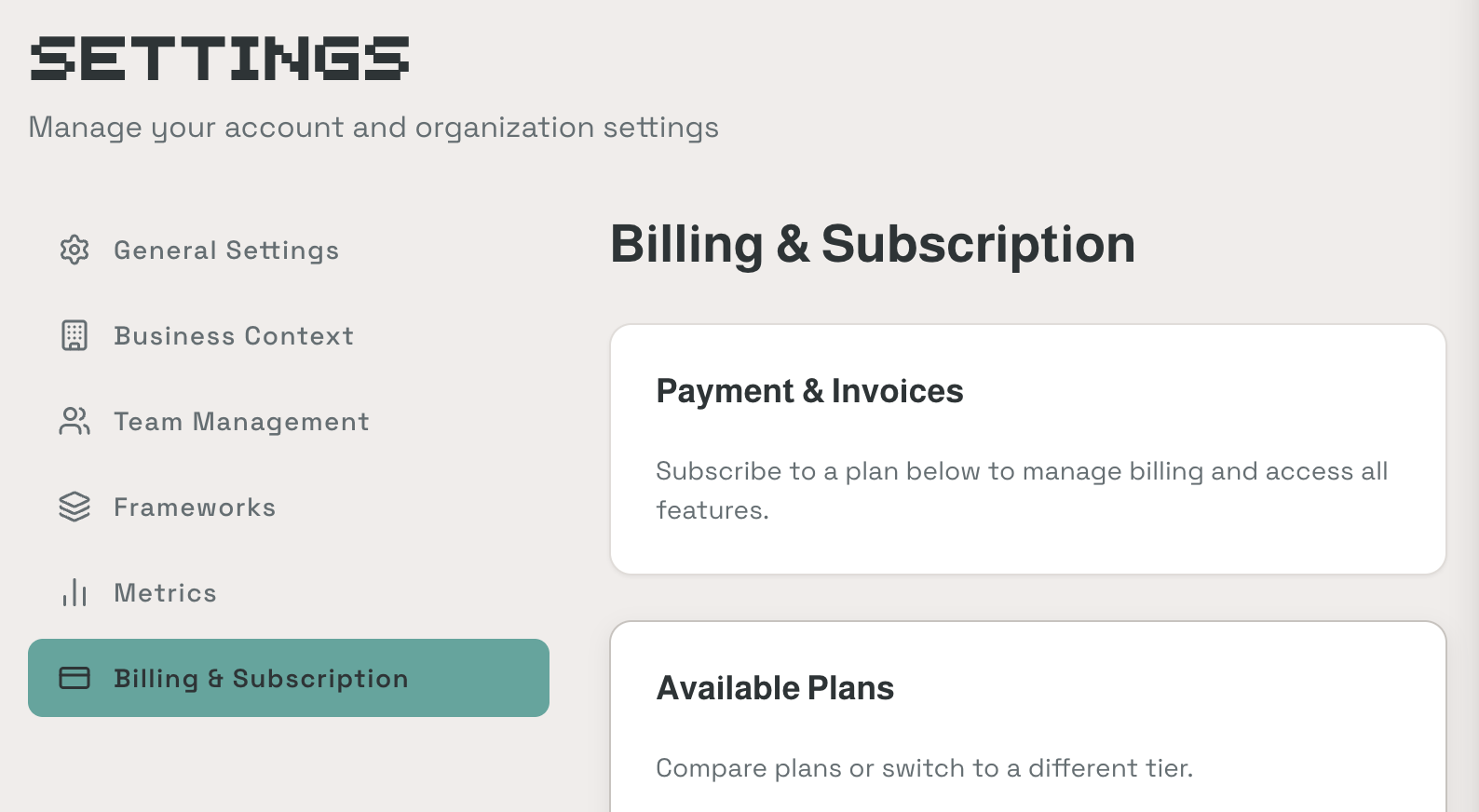
The Settings page is accessible from within the app. It contains six tabs:
- General Settings
- Business Context
- Team Management
- Frameworks
- Metrics
- Billing & Subscription (admin only)
Your Plan
The Billing & Subscription tab shows Payment & Invoices and Available Plans sections where you can manage your subscription and compare tiers.
ClearPath plans are month-to-month. No annual contracts, no sales calls required. You can upgrade, downgrade, or cancel at any time.
Inviting Team Members
Go to Settings > Team Management. Click + Invite Member and enter their email address.
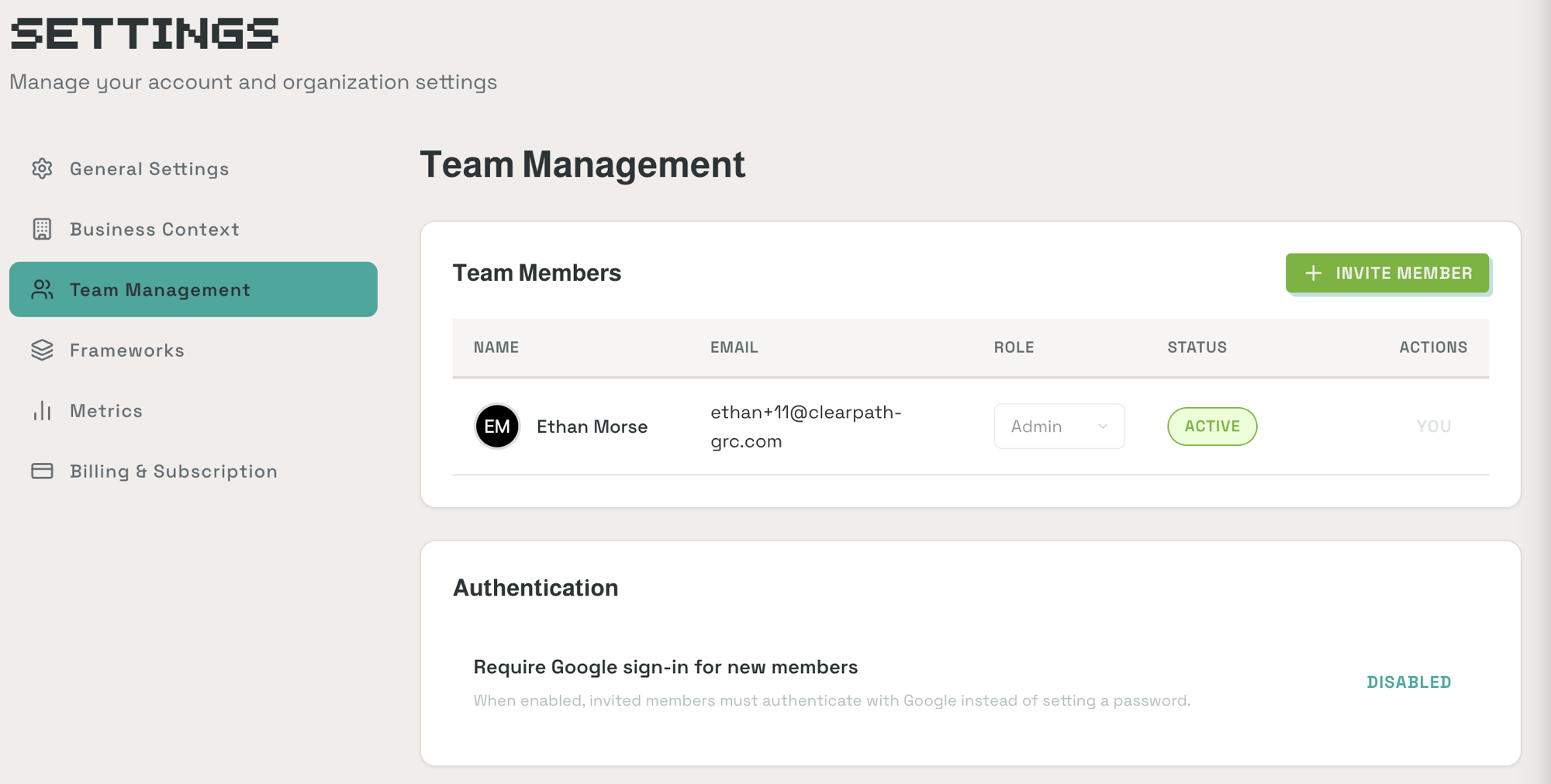
Team members receive an email invitation. Once accepted, they can access the platform under your organization's account. You can also require Google sign-in for new members from the Authentication section.
Permissions: Team members are assigned roles (Admin, etc.) that control their access level within the organization.
Updating Your Business Context
Go to Settings > Business Context. This is the same 4-section survey from onboarding (Company Foundation, Compliance Goals, Data & Infrastructure, Security Posture). You can update your answers at any time.
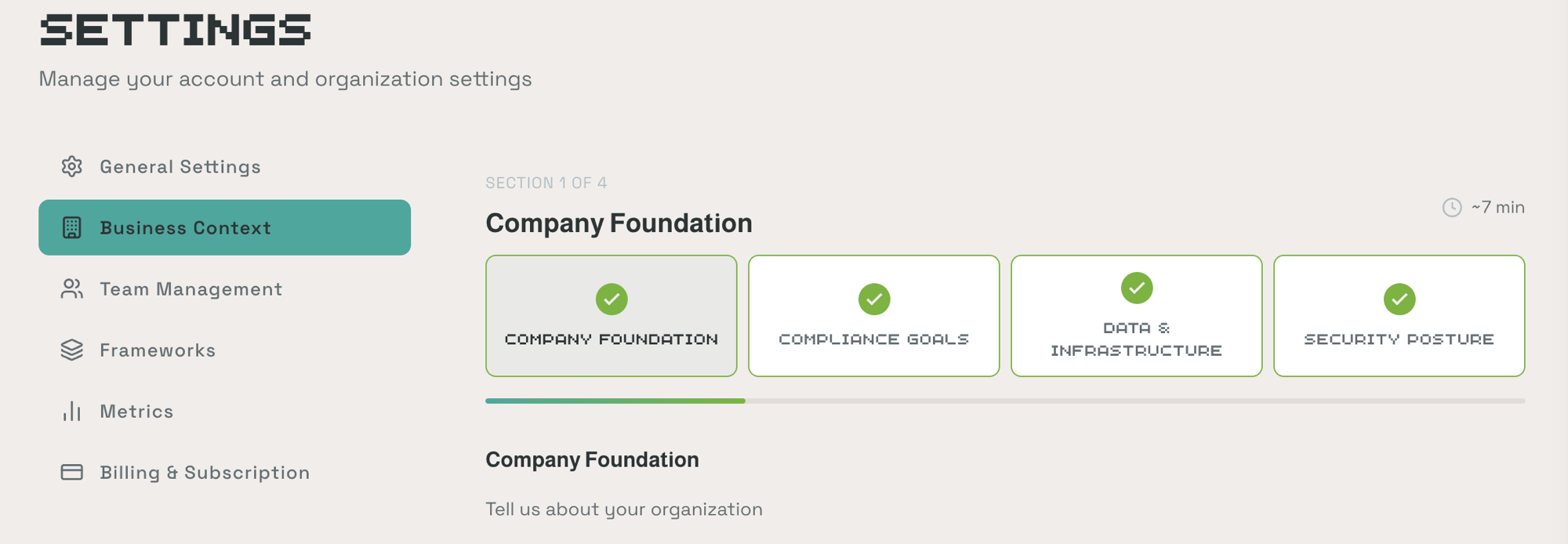
Updating your Business Context may affect control scoping recommendations and policy generation. If you significantly change your infrastructure or team size, review your active Journey activities to ensure guidance is still accurate.
Canceling Your Account
Go to Settings > Billing & Subscription and click Cancel Subscription. You'll retain access through the end of your current billing period.
Your data is retained for 30 days after cancellation. If you reactivate within that window, everything is restored exactly as you left it.